
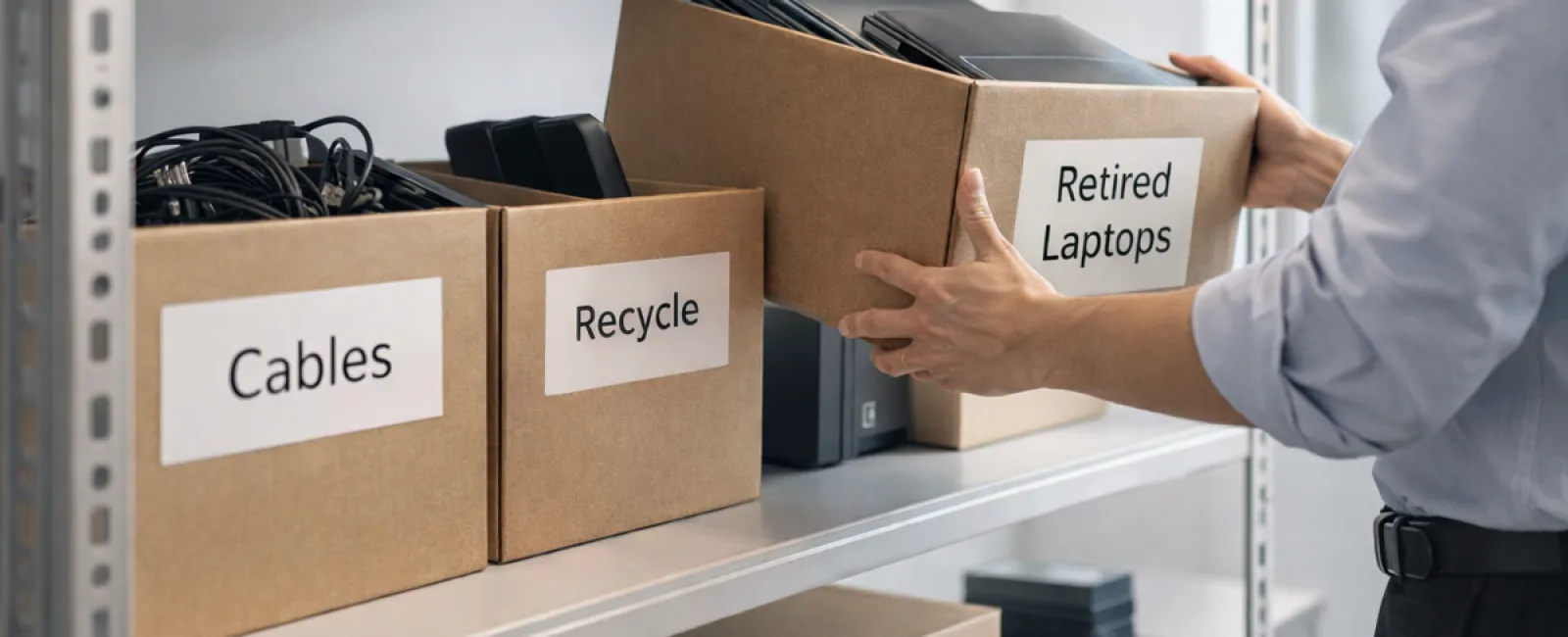
While many start their spring cleaning with closet decluttering, most businesses face a bigger challenge: managing unused technology clutter.
These tech items might not just be gathering dust on a server rack; they could be misplaced in storage rooms, back offices, or piles marked "to handle later."
Think old laptops, outdated printers, backup drives from several upgrades ago, and boxes of cables kept "just in case."
Every company accumulates these overlooked assets.
The real issue isn't their existence, but rather having a clear strategy for managing them effectively.
Technology Has a Lifecycle — More Than Just a Purchase Date
New technology is generally bought for clear reasons: enhanced speed, improved security, greater capacity, or to support growth.
Most businesses carefully plan technology purchases, yet few strategize how to retire equipment responsibly.
Retiring hardware often happens quietly: replaced devices are set aside and forgotten until space becomes an issue.
While that's common, it's far less frequent to treat technology retirement with as much care as acquisition.
Old devices still hold value—whether in use, recyclables, or data retention—and unused equipment can become a costly distraction.
Spring is the ideal time to pause and ask: Which devices are still useful, and which are just consuming space?
A Clear-Cut Plan for Streamlining Your Tech
If you want to move beyond occasional talk, try our straightforward four-step process.
Step 1: Conduct an Inventory
Identify what you're retiring—laptops, phones, printers, network equipment, drives. You can't manage what's unaccounted for, and a quick survey often uncovers more than expected.
Step 2: Decide the Outcome
Each device fits into one of three bins: reuse (internal use or donation), recycle (certified e-waste programs), or destruction (for sensitive data). The key is to decide rather than letting devices linger indefinitely.
Step 3: Prepare Devices Properly
Discipline here protects your business.
For reuse or donation, remove devices from management systems, revoke access, and ensure complete data wiping—not just factory resets. Remember, deleted files aren't fully erased, just hidden.
Research from Blancco reveals 42% of resold drives on eBay still held sensitive data despite sellers' claims. Certified data erasure software offers thorough overwriting and provides verification reports.
For recycling, always choose certified e-waste recyclers instead of regular trash. Programs like Best Buy's are for households only, not businesses.
For companies, use IT asset disposition (ITAD) providers with e-Stewards or R2 certification (find directories at e-stewards.org and sustainableelectronics.org). Your IT partner can assist with this process.
For destruction, opt for certified wiping or physical methods like shredding or degaussing, and keep records of serial numbers, methods, dates, and handlers.
This isn't paranoia — it's smart closure.
Step 4: Document and Move Forward
Once equipment leaves your premises, track its destination, handling, and access removal. Good documentation eliminates doubt.
Often Overlooked Devices
Laptops get attention; other devices often slip through the cracks.
Phones and tablets may contain sensitive emails, contacts, and authentication apps. Factory resets handle most, but certified wipes are safer for business use. Manufacturers like Apple and Samsung offer trade-in programs, potentially offsetting costs on new gear.
Modern printers and copiers often store copies of all printed, scanned, or faxed documents on internal drives. When returning leased units, confirm in writing that hard drives will be wiped or removed before redeployment.
Batteries are classified as hazardous waste by the EPA. In states like California, New York, and Minnesota, discarding rechargeable batteries in regular trash is illegal for businesses. Remove batteries when possible, tape terminals to prevent shorts, and dispose via certified drop-offs. Resources like Call2Recycle.org provide location maps, and retailers like Staples, Home Depot, and Lowe's accept rechargeable batteries at many outlets.
External drives and retired servers often linger in closets longer than planned. These require the same careful retirement process as other devices.
Responsible Electronics Recycling
Earth Day in April is a great time to remember that electronics must never end up in landfills.
Worldwide, over 62 million metric tons of e-waste are generated annually, with only 22% recycled properly. Batteries, monitors, and circuit boards need certified recycling channels. Fortunately, many communities offer such programs.
Properly managing retired technology is not only operationally efficient and environmentally responsible, but also smart business. Secure and sustainable disposal go hand in hand.
Plus, sharing your commitment on social media subtly highlights your company's professionalism and care.
Unlock Greater Potential
Spring cleaning isn't just about discarding items; it's about creating space for growth.
Updating outdated equipment is just one aspect. While assessing hardware, take a step back and ask if your technology truly supports your business goals.
Hardware changes over time, but software, systems, automation, and workflows power productivity and profitability.
Caring for old equipment is good housekeeping; aligning your entire tech ecosystem to your objectives keeps your business progressing.
Partner with Us
If you already have an efficient equipment retirement system, that's ideal — it should feel straightforward and routine.
However, as you plan to replace hardware responsibly, it's also important to reassess your broader technology landscape. Are your systems optimized? Do your tools integrate smoothly? Is your technology fueling growth or merely maintaining operations?
If you want to evaluate how your tech stack and workflows can boost productivity and profitability, we're ready to help.
No sales pressure, no equipment checklist — just an honest conversation about improving technology's impact on your business.
Click here or give us a call at 888-638-3621 to schedule your free 15-Minute Discovery Call.
If this inspired you, please share it with fellow business owners.
Spring cleaning should extend beyond closets to include the critical systems powering your business.