Imagine you're three hours into a five-hour road trip to visit loved ones for the holidays. Suddenly, your daughter asks, "Can I use your work laptop to play Roblox?" That laptop holds sensitive client files, financial information, and full access to your business. You're drained from packing, still have three hours ahead, and keeping her happy feels like a relief. But is it really safe?
Holiday travel introduces unique cybersecurity risks not present in your regular routine. You're fatigued, distracted, joining unfamiliar networks, and blending family time with quick work check-ins. Whether traveling for business, leisure, or a mix of both, here's how you can safeguard your data without spoiling the festivities.
Pre-Trip Essentials: Boost Your Security in 15 Minutes
Spend a quarter-hour prepping your tech to stay ahead of risks:
Device Must-Dos:
- Apply all pending security updates promptly
- Back up critical files to a secure cloud service
- Set automatic screen lock to 2 minutes or less
- Enable "Find My Device" on all phones and laptops
- Charge your portable power banks fully
- Don't forget to pack your own chargers and adapter cables
Discussing Device Rules With Family:
- Clarify which gadgets your kids can use and which are off-limits
- Provide a dedicated tablet or secondary device for entertainment
- Set up restricted user accounts on your laptop if sharing is unavoidable
Insider tip: If kids need screen time during travel, bring a tablet that's not linked to work accounts. Investing $150 in a separate iPad is far safer than risking a data breach.
Hotel WiFi: Avoid Common Mistakes That Compromise Security
Once at the hotel, everyone jumps on the WiFi—smartphones, tablets, laptops, gaming consoles. Your teen streams Netflix, your spouse checks emails, and you scramble to finalize a proposal before tomorrow.
The catch? Hotel networks are shared environments used by hundreds, some with malicious intent.
Real-life incident: A family connected to a fake network mimicking their hotel's WiFi. For 48 hours, attackers intercepted sensitive information like passwords, credit card numbers, and emails.
How to protect yourself:
Confirm the exact network name—always verify with the front desk. Don't guess or connect blindly.
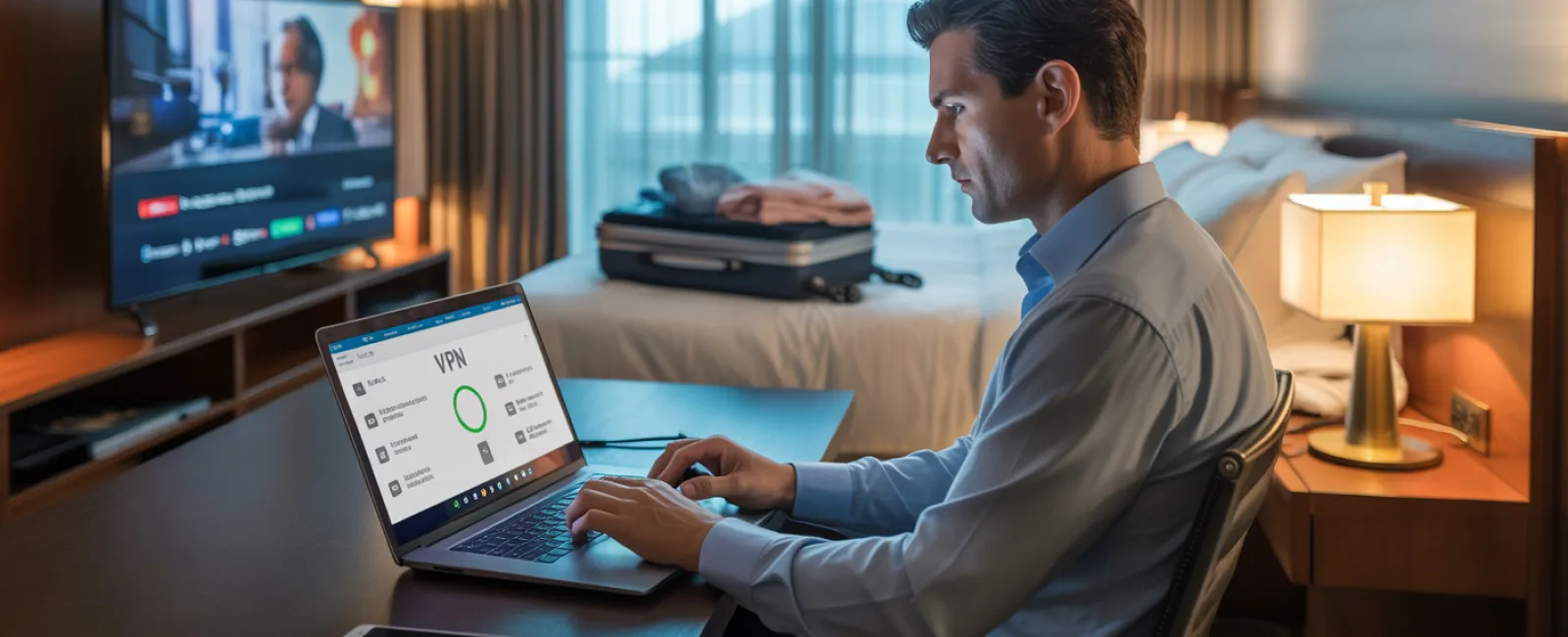
Use a VPN for work access—a Virtual Private Network encrypts your data when checking emails or accessing files.
Switch to your phone's hotspot for sensitive tasks—banking or confidential information should never be accessed over hotel WiFi.
Separate leisure from work online activities—kids streaming cartoons on hotel WiFi is fine; handle all work-related connections via your personal hotspot.
The "Can I Use Your Laptop?" Dilemma
Your laptop is your gateway to emails, bank accounts, client data, and business systems. Meanwhile, your kids want to watch videos, play games, or chat online.
Why this is risky: Children might unknowingly download malicious software, click on unsafe pop-ups, share passwords, or forget to log out. While innocent, these actions can lead to major security breaches on your work device.
How to handle this:
Politely refuse access to your work laptop—offer an alternative device. Consistency is key.
If sharing is unavoidable:
- Create a limited-permission user account
- Supervise the device use closely
- Prevent downloads during their session
- Avoid storing saved passwords for their use
- Always clear the browsing history afterward
Best practice: Travel with a dedicated family device—an old tablet or laptop unplugged from work accounts ensures safety and peace of mind.
Streaming on Hotel TVs: Don't Forget to Log Out
Your family streams Netflix on the hotel TV, but if you forget to log out at checkout, the next guest could access your account.
Risks include: Unauthorized access to your streaming funds and potential exposure if passwords overlap across services.
How to stay secure:
- Use your personal device to cast content to the TV instead of logging in directly
- Set a reminder on your phone to log out before checkout
- Better yet, download shows to your devices beforehand and bypass hotel TVs completely
Never log into these services on hotel smart TVs:
- Banking and financial apps
- Work-related accounts
- Email platforms
- Social media accounts
- Any service storing payment information
Lost Device? Act Fast to Minimize Damage
Travel chaos can cause devices to be misplaced in restaurants, hotel rooms, rental cars, or airport checkpoints. If your device disappears:
Within the first 60 minutes:
- Use "Find My Device" features to locate it immediately
- If retrieval isn't possible, remotely lock the device
- Change passwords on critical accounts from a secure device
- Inform your IT department or managed service provider to revoke business access
- Alert impacted parties if sensitive business data was involved
Pre-travel essentials your device should have:
- Enabled remote tracking
- Robust password protection
- Automatic data encryption
- Capability to remotely wipe data
If a family member loses a device: Apply the same protocols—lock it remotely, change passwords, and try to locate it swiftly.
The Rental Car Bluetooth Data Hazard
Connecting your phone to a rental car's Bluetooth syncs contacts, recent calls, and even message previews. This info often remains accessible to future drivers.
Quick 30-second steps before returning the car:
- Remove your device from the car's Bluetooth list
- Clear recent GPS destinations
- Or avoid Bluetooth entirely by using an aux cable or manual connections
Setting Boundaries on a "Working Vacation"
You promised family time but find yourself checking email repeatedly, taking work calls, and spending hours on your laptop while everyone else enjoys the mini-golf course.
Constantly shifting between work and vacation reduces your focus on cybersecurity, making you prone to mistakes or unsafe connections.
Practical advice: If you can't unplug completely, establish firm limits:
- Check work emails only twice a day at scheduled times
- Use your phone's hotspot for work tasks instead of hotel WiFi
- Work privately in your hotel room, avoiding public spaces where screens are exposed
- Be fully present during family moments—not multitasking
Ultimately, the best protection is to take a true break. Your business will survive a week offline, and you'll return more alert to security threats when rested.
Embracing a Holiday Travel Security Mindset
The truth: juggling work and family during the holidays is complicated. Sometimes your child genuinely needs your laptop. Sometimes you must urgently check emails while traveling.
The goal isn't perfection but informed risk management:
- Prepare your devices thoroughly before departure
- Recognize which activities pose risks (e.g., hotel WiFi for banking) versus safer options (e.g., hotspot for email)
- Physically and digitally separate work activities from family time where possible
- Have a clear response plan for incidents
- Learn to say, "Not on this device," and stand firm
Create Holiday Memories for All the Right Reasons
The holidays should focus on connecting with loved ones—not recovering from a data breach or apologizing to clients for compromised information.
With some preparation and simple rules, you can safeguard your business while enjoying a worry-free vacation. Your family enjoys the season. Your business remains secure. Everyone wins.
Need assistance establishing travel security protocols for your team and yourself? Click here or give us a call at 888-638-3621 to book a free 15-Minute Discovery Call with us. We'll help you create practical policies that protect your business without making travel impossible.
Your best holiday story shouldn't be, "Remember when Dad's laptop got hacked?"