Just as you wouldn't drive without a seatbelt or leave your office unlocked overnight, why go online without securing your accounts with multifactor authentication (MFA)?
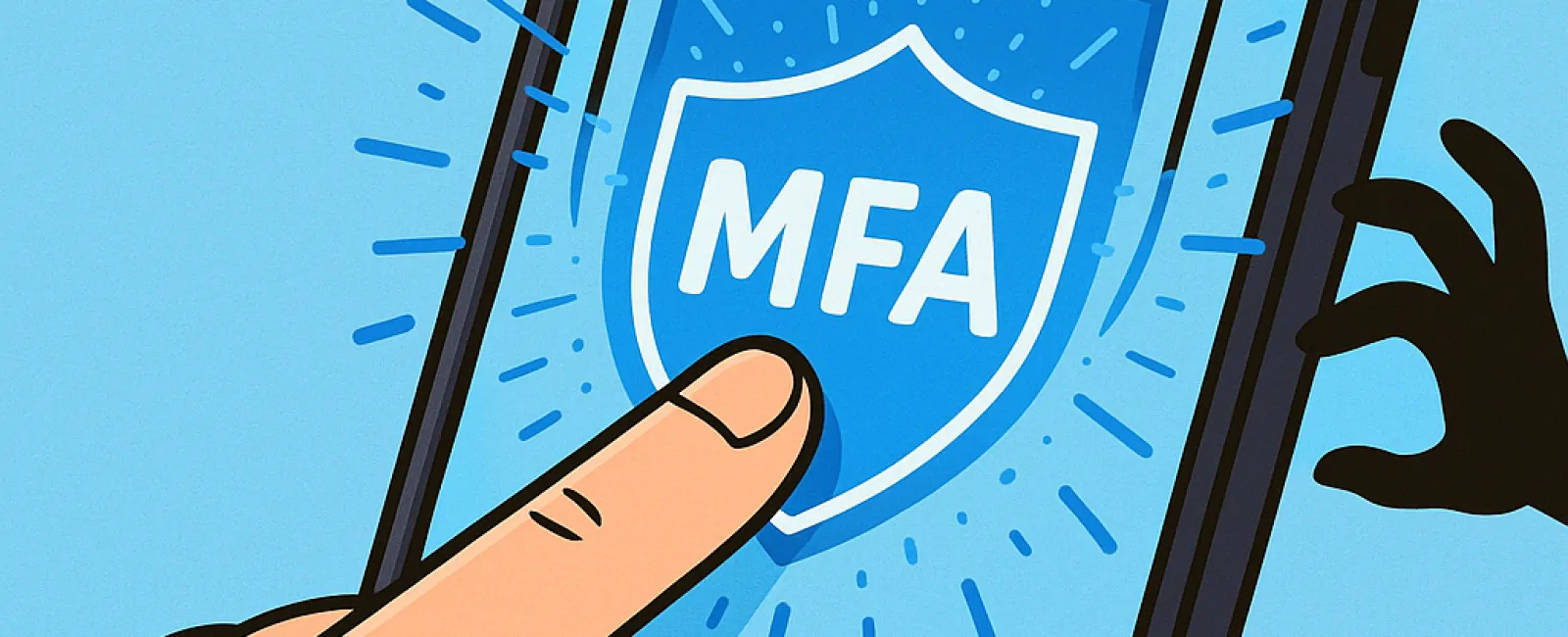
MFA acts as a robust second lock on your digital identity. Instead of relying solely on a password—which can be guessed, stolen, or phished—it adds a critical extra layer like a text code, authentication app, or biometric scan. Even if your password falls into the wrong hands, without this second factor, cybercriminals can't get in.
One Simple Step That Drastically Enhances Security
Think of your password as locking your front door and MFA as activating your home security system. It might seem optional, but it provides invaluable peace of mind by guarding against breaches if one layer fails.
MFA introduces a quick, extra verification step to confirm your identity before access is granted. Whether called "two-step verification," "two-factor authentication," or using a "one-time password," it all means the same: multiple safeguards to protect your sensitive data.
MFA methods vary widely—from email confirmations during account setup, bank security questions, text message codes, push notifications, to phone calls. Many options require just a tap or entering a short code, making security seamless.
How MFA Protects You in Real-World Scenarios
While MFA is easy for you to use—simply confirm your login with a tap or code—it becomes a formidable barrier to hackers. If someone tries to access your account without authorization, MFA instantly alerts you through a notification or code request, giving you the chance to change your password before any harm happens.
Even if a password is stolen or an employee is tricked into sharing login details, MFA prevents unauthorized entry without the second authentication factor. Research by Microsoft reveals that enabling MFA reduces account compromise risk by over 99.2%, and up to 99.99% when properly implemented.
Where and How to Activate MFA for Maximum Protection
Enable MFA on your most critical accounts, including:
- Banking and financial service apps
- Email and cloud storage platforms
- Social media profiles
- Work logins involving client or sensitive business data
Setting up MFA is typically straightforward. Many leading platforms offer built-in options—choose the one that fits your needs and integrate it seamlessly into your daily routine. Adding an authenticator app can significantly strengthen your organization's login security.
In essence, MFA is a quick, cost-free step that blocks most hacking attempts. Invest a few minutes today to activate it and protect yourself from potential months or years of costly damage and data breaches.
The simplest way to implement MFA is by contacting your IT provider. A skilled Managed Service Provider (MSP) can streamline the process and ensure robust security. If you need expert assistance in cybersecurity, click here or call us at 888-638-3621 to book a 15-Minute Discovery Call with our dedicated team right away.