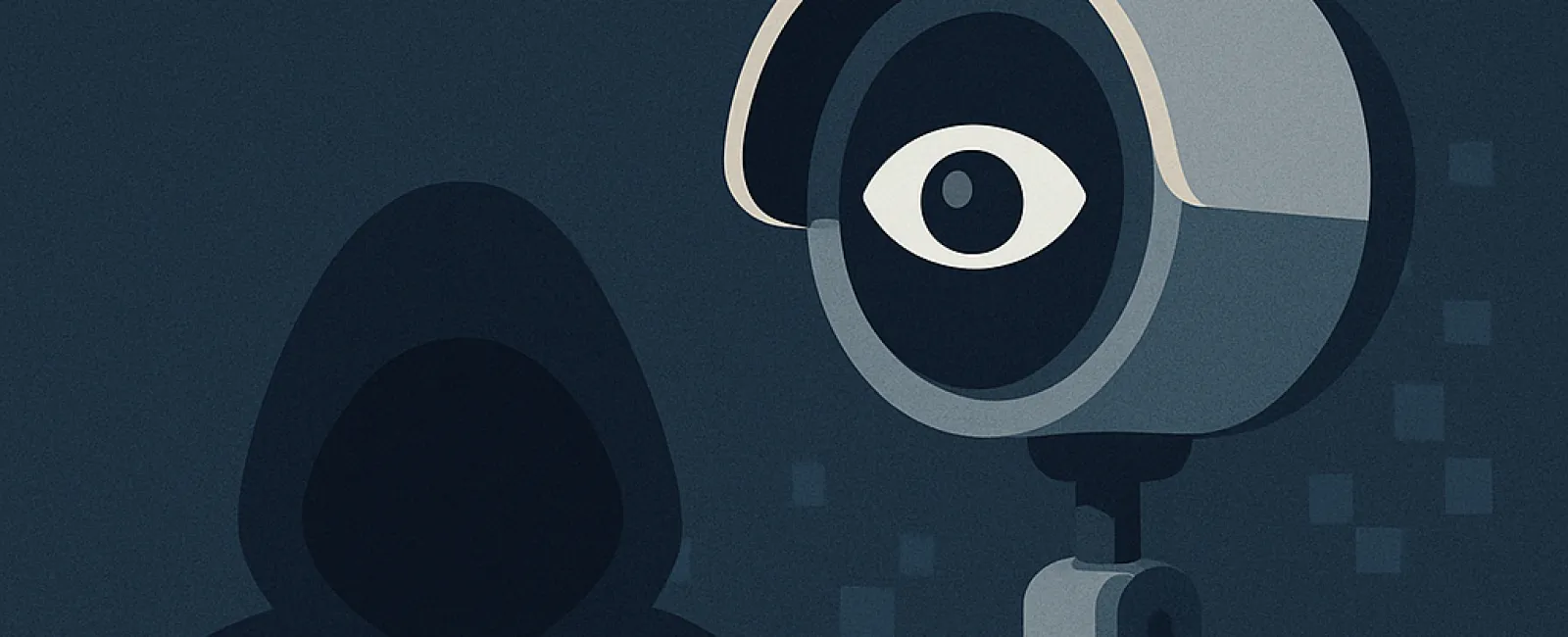
In 2020, a Mississippi family faced a terrifying breach of their security. Their eight-year-old daughter was startled by a man's voice coming through her bedroom Ring camera — a voice that was not her father's. A hacker had infiltrated their device, taunting her and playing music until the parents quickly unplugged the camera. Ring later revealed that the intrusion happened because the family was using an old, compromised password reused from a previous breach.
Unfortunately, incidents like these are more common than you might think. Smart cameras and connected devices have surged in popularity for protecting homes and small businesses. For small enterprises, these devices offer a cost-effective way to enhance security—whether it's watching the storefront, safeguarding inventory, or monitoring after hours. However, while these gadgets provide peace of mind, they can also open the door to significant risks if they lack proper protection.
Not all security cameras offer the same level of protection. Cheaper options often sacrifice essential security features like encryption and timely software updates. Even well-known brands can be at risk if users neglect to update default settings. Hackers frequently exploit weak points such as default passwords, outdated firmware, or unsecured WiFi networks. In some cases, attackers have even hijacked cameras to access footage or penetrate deeper into networks.
If you're shopping for a new camera or assessing your current devices, it's crucial to prioritize security. Choose respected brands that consistently release security updates. Look for cameras that encrypt footage before uploading to the cloud, support two-factor authentication for login, and whenever possible, offer local storage options alongside cloud backups.
Setting up your devices securely is equally important. Immediately change default usernames and passwords, keep firmware and applications up to date to address vulnerabilities, and enable automatic updates whenever the option is available—it's the safest route. Additionally, isolating your smart devices on a separate network from your business systems can prevent one compromised device from exposing critical data. And don't overlook your router—configure it with robust security settings to block unauthorized access.
While cameras often grab the spotlight, other smart devices like doorbells, thermostats, and voice assistants connect to your network and pose risks if unsecured. For small businesses, a breach could expose sensitive client data, financial records, or vital operational information. The more devices you add, the more critical it becomes to manage them vigilantly.
Smart technology can dramatically improve your life and boost security, but only when configured with strong safeguards in place. Taking a few proactive security measures now can stop your "smart" devices from becoming an easy target for cybercriminals.
Ensure your business devices are fully protected. Don't leave your security to chance. Click here or call us at 888-638-3621 to schedule a free 15-Minute Discovery Call. We'll help you audit your device setup before hackers get the chance.